
How to set up your Email Account ( Iphone )

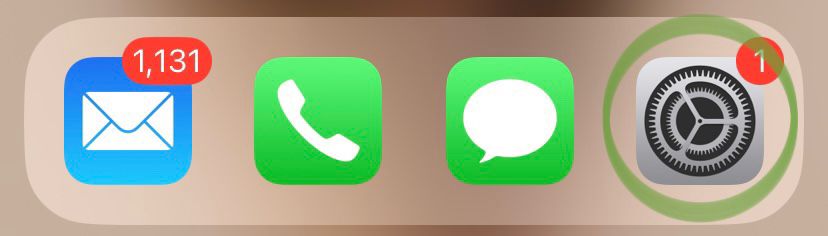
1. First Go to your Settings on your Iphone 
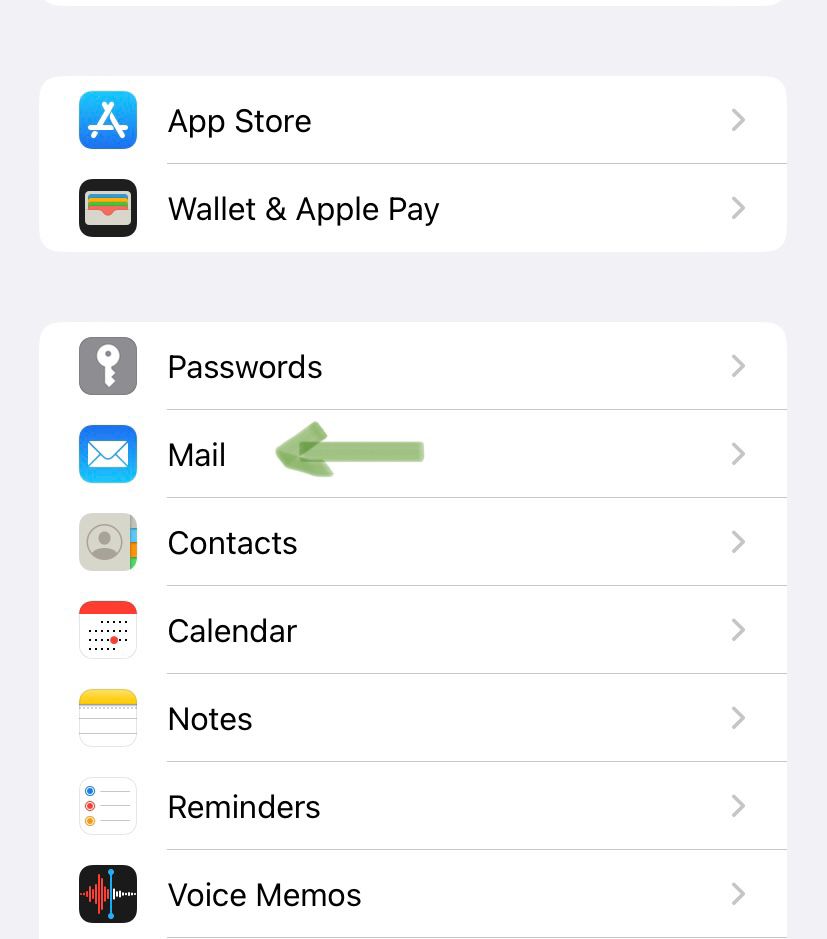
2. Scroll down and select the Mail Button 
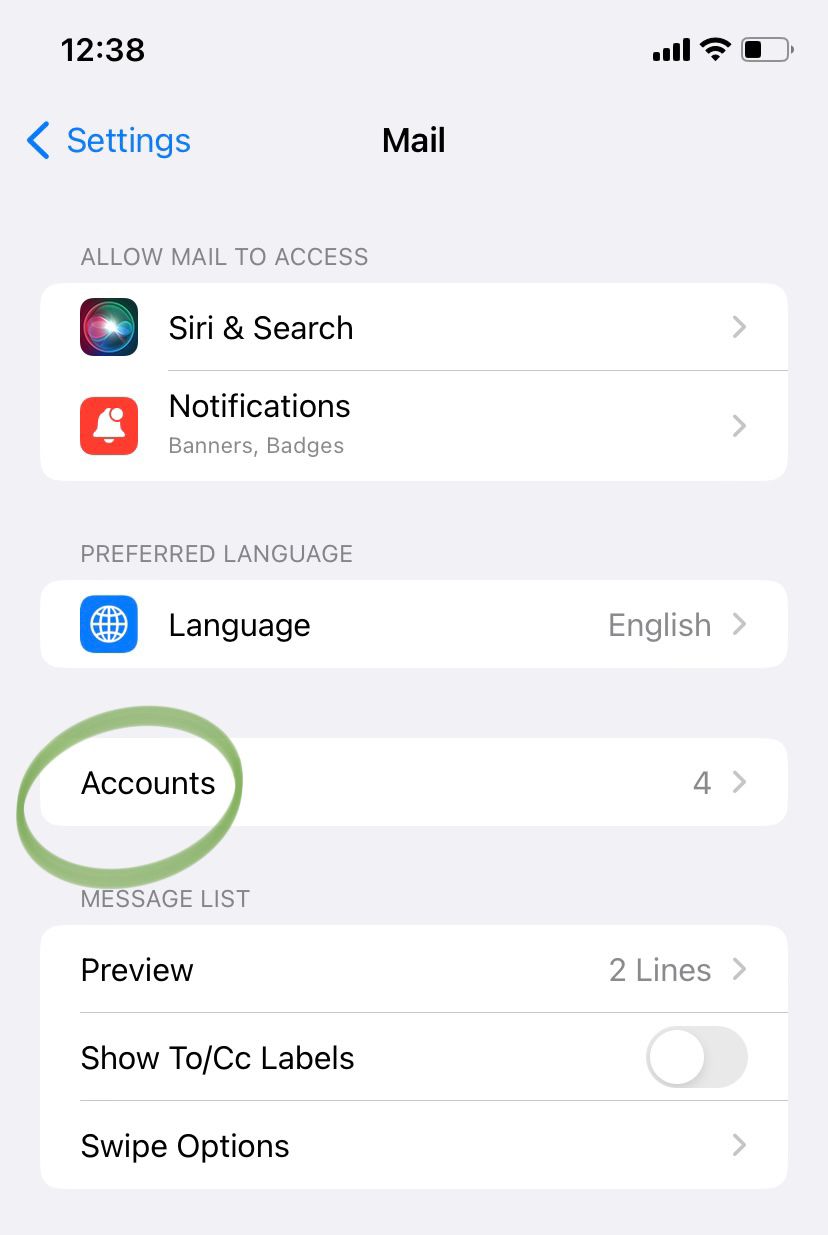
3. From Mail Select the Accounts Button 
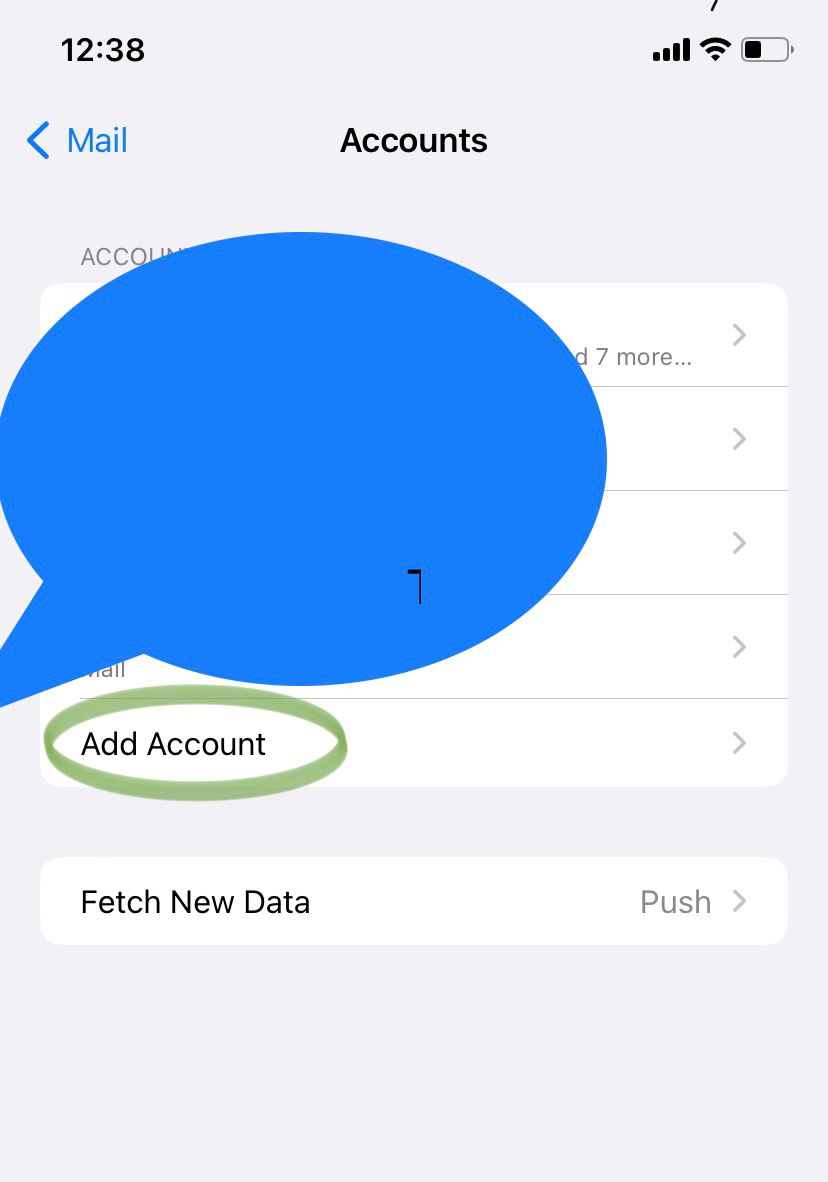
4. Select the Add Account Button 
 

5. Select the Others Button 
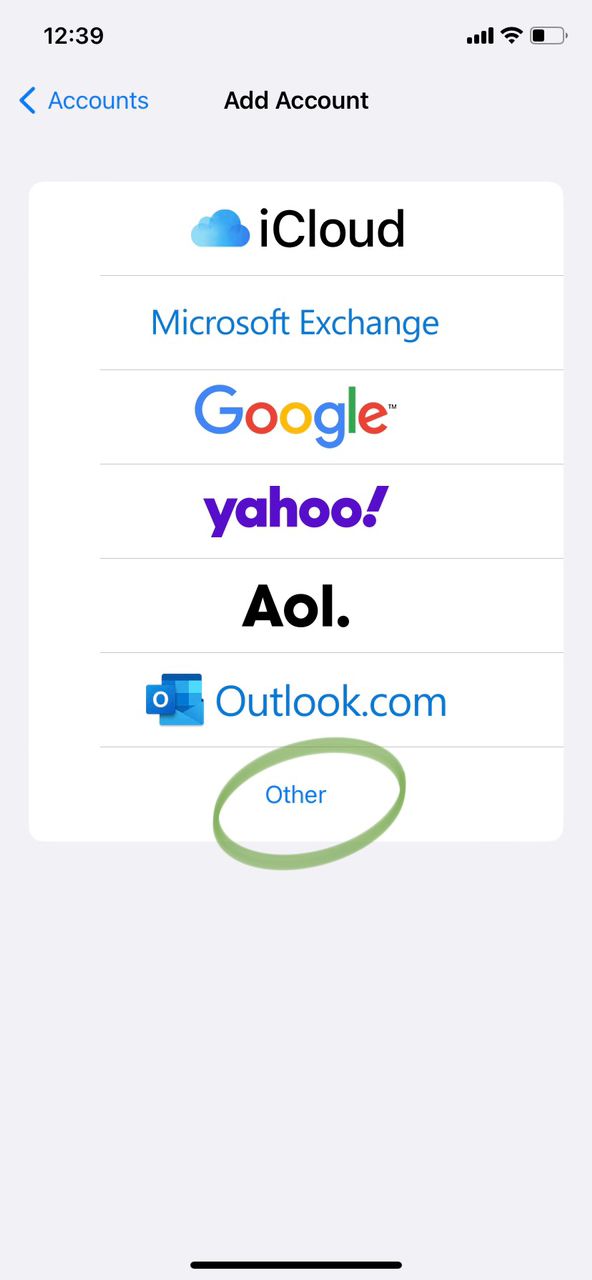
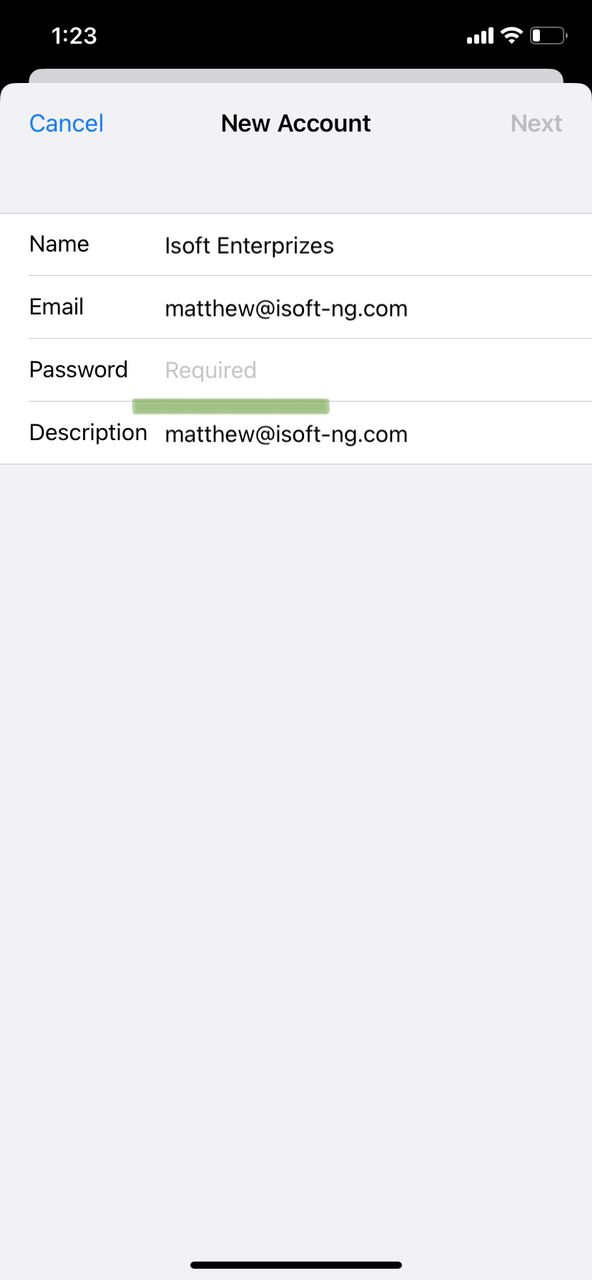
6. After filling the information about Name, Email and Password Click Next to Advance.
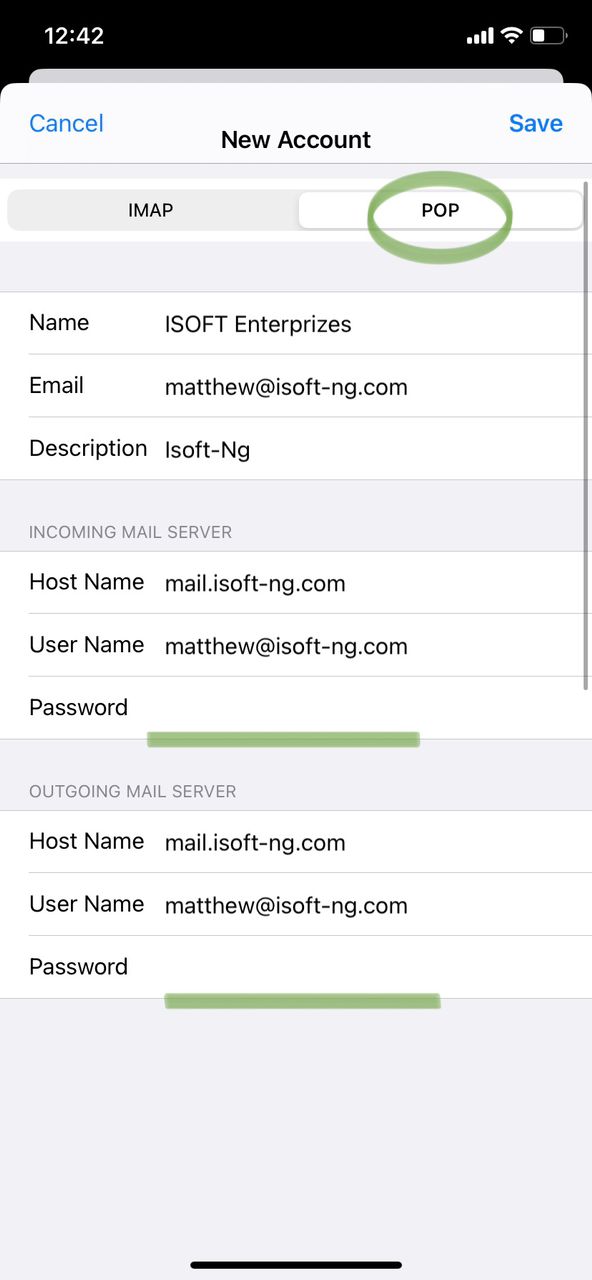
7. Please fill all the information Correctly and click Save 
 

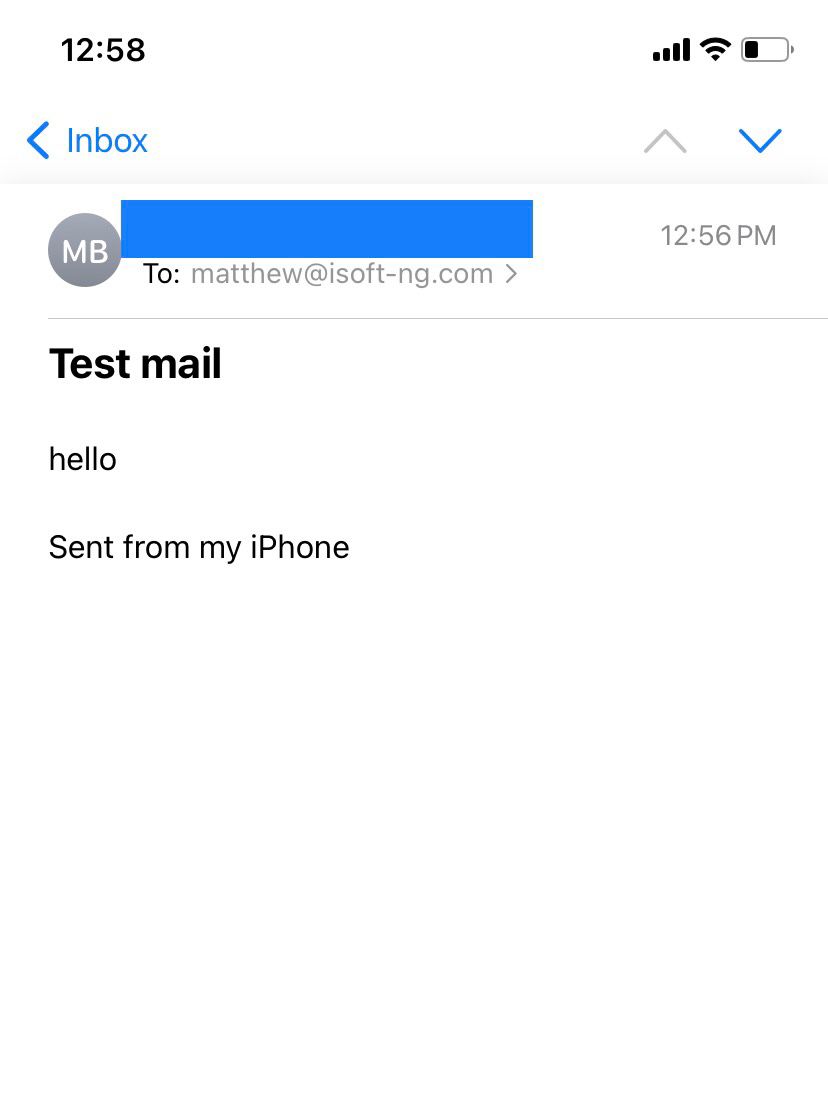
8. Congratulations!!! Now ensure to test your Email to see if you can receive inbox messages.
  • Email, Iphone, Setup
  • 0 משתמשים שמצאו מאמר זה מועיל
?האם התשובה שקיבלתם הייתה מועילה

מאמרים קשורים

Unable to send, 530 Relaying not allowed

530 Relaying not allowed (please enable smtp authentication on your email client)If you received...

PHPMail() Function Disabled

There are so many ways to send email using php. The two main ways to do this is either using...

How do I change the timestamp on my emails?

Each webmail client has a timezone setting, which is set to the server clock by default....

How do I change my sites MX record to point mail to another server or domain?

An MX Record is used by a mail server to route incoming email. Changing your MX record is usually...